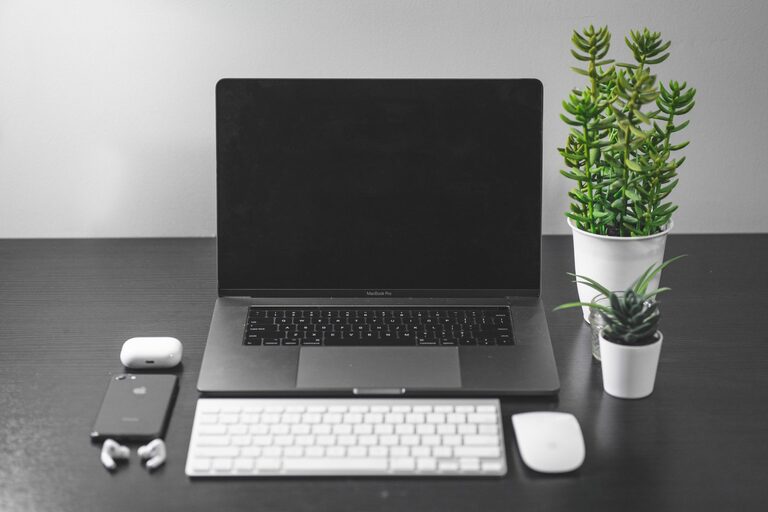
Creating a productive home office space is key to working efficiently and comfortably from home. With the rise of remote work, having a dedicated area tailored to your needs can make all the difference for your focus and well-being. Whether you have a whole room or a small corner, you can design a workspace that helps you stay motivated and organised. Here are some practical tips to help you create your ideal productive home office.
Choose the Right Location
Prioritise Natural Light
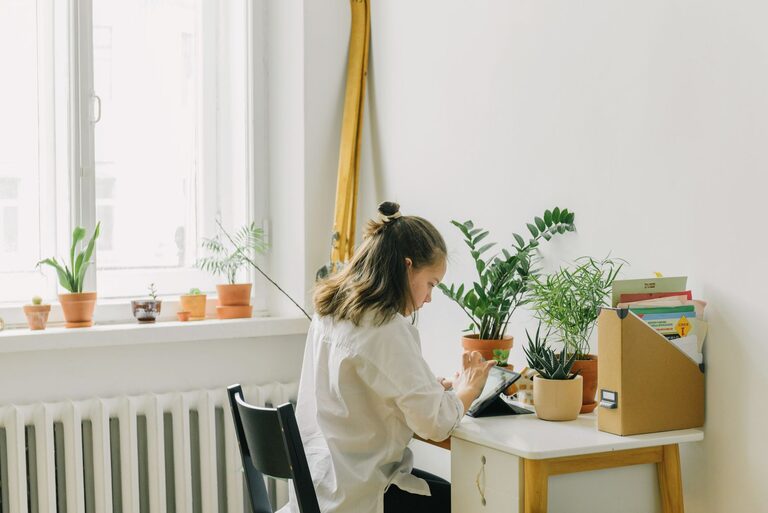
Select a spot that receives plenty of natural daylight, which helps reduce eye strain and improves mood. If possible, position your desk near a window. Natural light also helps maintain your body’s natural rhythms, supporting alertness throughout the day.
Minimise Distractions
Find a quiet area away from busy parts of your home. Noise can disrupt concentration, so consider a room with a door you can close. If that’s not an option, noise-cancelling headphones or a white noise machine can help maintain focus.
Invest in Comfortable and Functional Furniture
Ergonomic Desk and Chair
Choose a desk and chair designed for long hours at a computer. An adjustable chair with lumbar support encourages good posture and helps avoid back pain. Your desk should be at a height where your arms rest comfortably while typing.
Adequate Desk Space
Make sure your desk is spacious enough for your computer, documents, and any other tools you regularly use. A cluttered desk can create distractions and limit your productivity.
Organise Your Workspace
Declutter Regularly
Keep your desk and shelves tidy. Only keep essential items within reach. Regularly decluttering prevents accumulation of unnecessary materials, making your workspace more inviting and efficient.
Use Storage Solutions
Use drawers, filing cabinets, shelves, or organisers to store supplies and paperwork. Labelled containers help you quickly find what you need, saving time and keeping your desk clear.
Optimise Lighting
Balance Natural and Artificial Light
Even with natural light, having appropriate artificial lighting is important, especially for early mornings or late evenings. A good desk lamp with adjustable brightness can reduce eye strain.
Avoid Screen Glare
Position your computer monitor to avoid glare from windows or lights. Glare can cause headaches and reduce your ability to focus.
Personalise Your Space Thoughtfully
Add Inspiring Decor
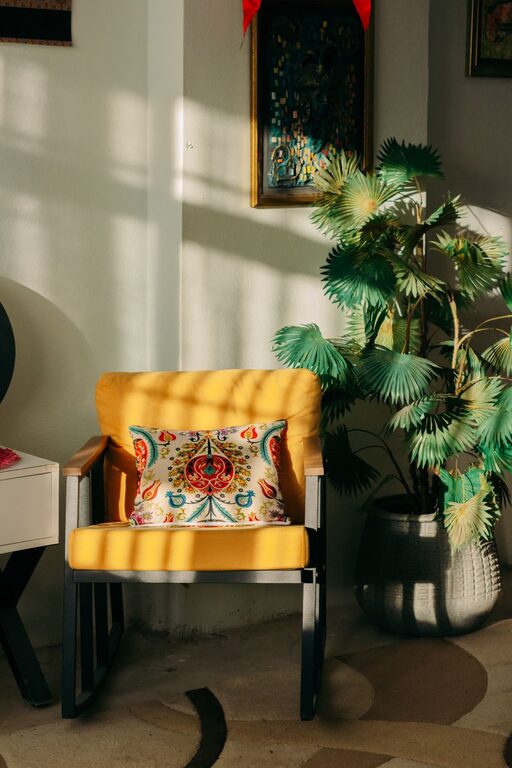
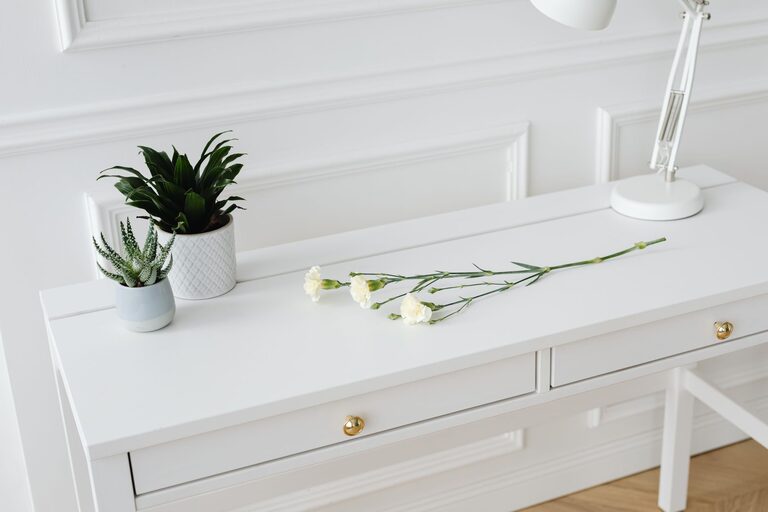
Incorporate elements that motivate you without causing distraction. Plants, artwork, or inspirational quotes can enhance your mood and make your office feel welcoming.
Keep it Professional
Design your workspace so it looks tidy and professional, especially if you attend video meetings from home. A neat background helps create a positive impression.
Create a Routine and Maintain Boundaries
Set Work Hours
Establish clear start and finish times for your workday. This helps separate “work” from “home” life, preserving your well-being.
Take Breaks
Schedule short breaks to stretch or move around. A change of scenery refreshes your mind and increases overall productivity.
Utilise Technology to Boost Efficiency
Reliable Internet Connection
A strong internet connection prevents frustrating interruptions during work or online meetings.
Organise Digital Files
Keep your computer files and emails organised using folders and regular clean-ups. Efficient digital organisation saves time and reduces stress.
Manage Air Quality and Temperature
Keep the Space Well-Ventilated
Open windows regularly or use an air purifier to maintain fresh air in your home office. Good air quality supports concentration and health.
Maintain a Comfortable Temperature
Ensure your office is neither too hot nor too cold, as extreme temperatures can distract and reduce efficiency.
—
Creating an effective home office space doesn’t have to be complicated or expensive. By focusing on comfort, organisation, lighting, and boundaries, you can build a workspace that supports your productivity and well-being. Take the time to personalise your office while keeping it functional, and you’ll notice the positive impact on your work-from-home experience.
About the Author